
Quick logging
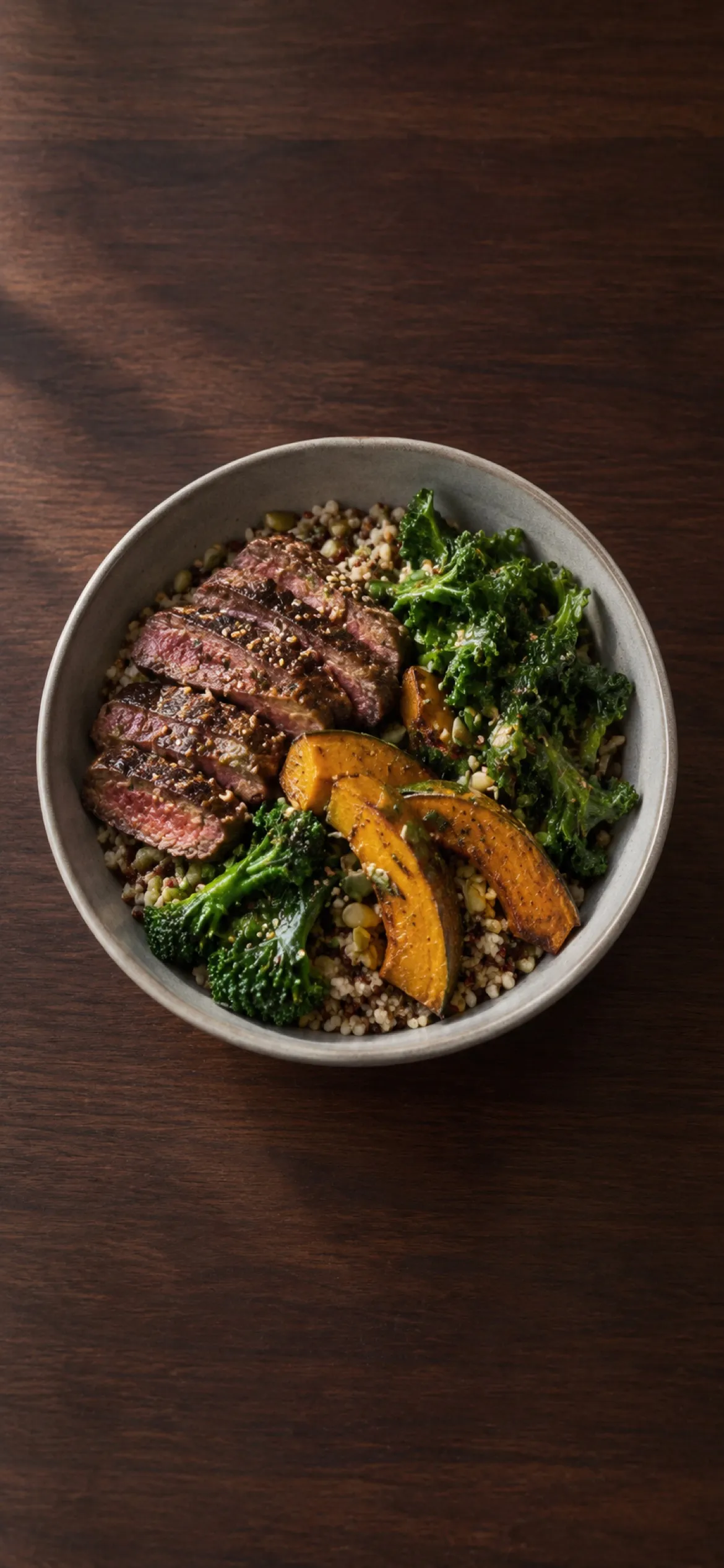
Take a photo and get back to your meal. Fit Shapes works out the calories and macros in the background.
The easiest way to log. One scanner for barcodes, labels, and meals. No more tapping through menus and tabs.
Illustrative Fit Shapes scanner: one camera that points at a barcode, snaps a meal, or snaps a nutrition label, with Photos, Torch, Describe, and Search beside the shutter.
Take a photo and have your calories and macros logged instantly. Or enable Advanced logging to see and edit a breakdown of your meal.
Take a photo and get back to your meal. Fit Shapes works out the calories and macros in the background.
After a photo logs, Fit Shapes shows each food it found, and you can adjust each portion. Turn it on in Account, under Preferences.
If something looks off, type or tell Fit Shapes, and our AI makes the changes. No more tedious adjusting.
Fit Shapes turns your voice into text, so correcting a meal is easy.
When a photo isn’t the right fit, Describe and Search are one tap away on the scanner.
Type or say what you ate, and check the estimate before you add it. Good for meals that are hard to photograph or hard to remember.
The foods you eat often come to the top around the time you usually log them. Search for anything else.
No. Every feature, including photo, barcode, and label scanning, is included in every plan.
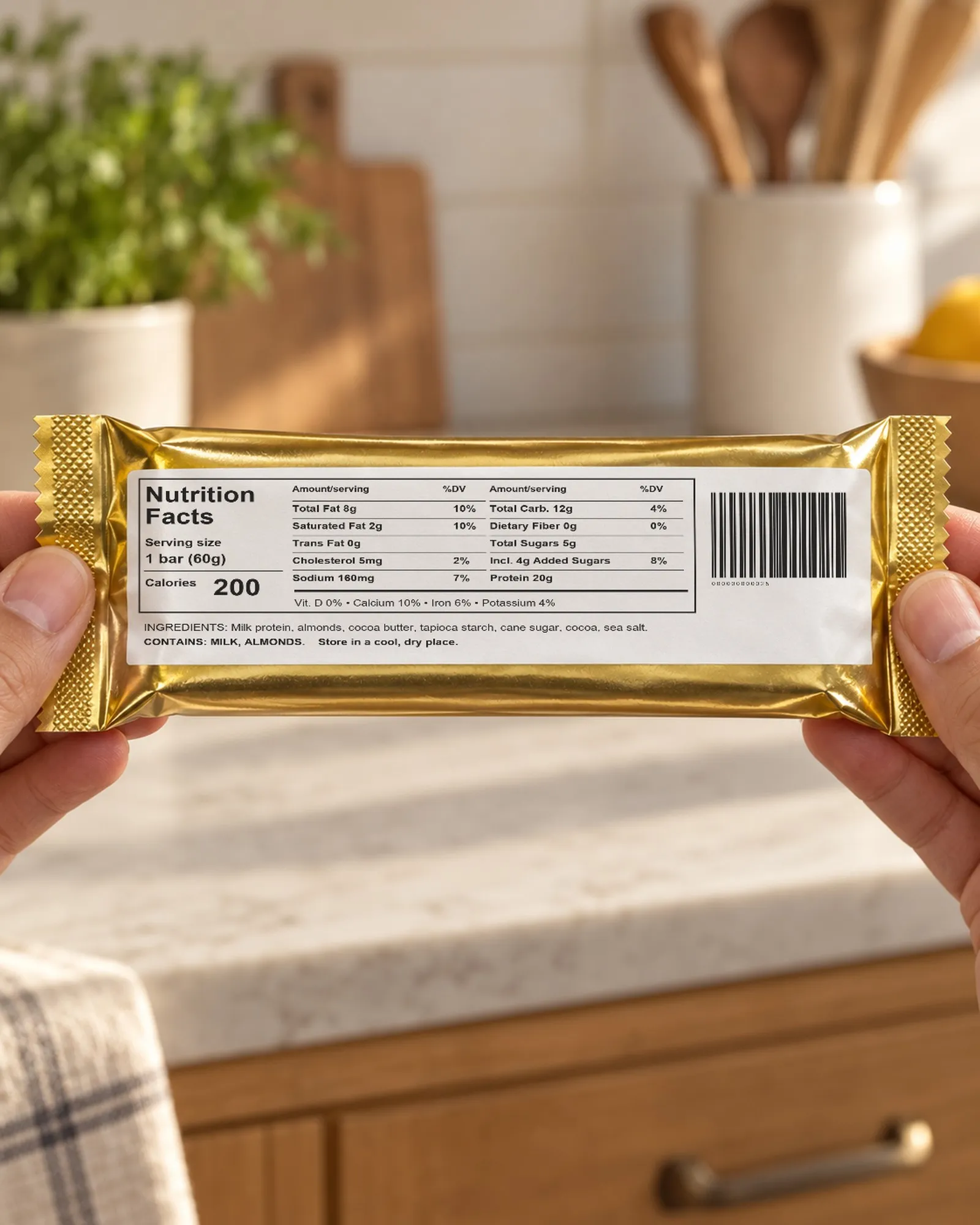
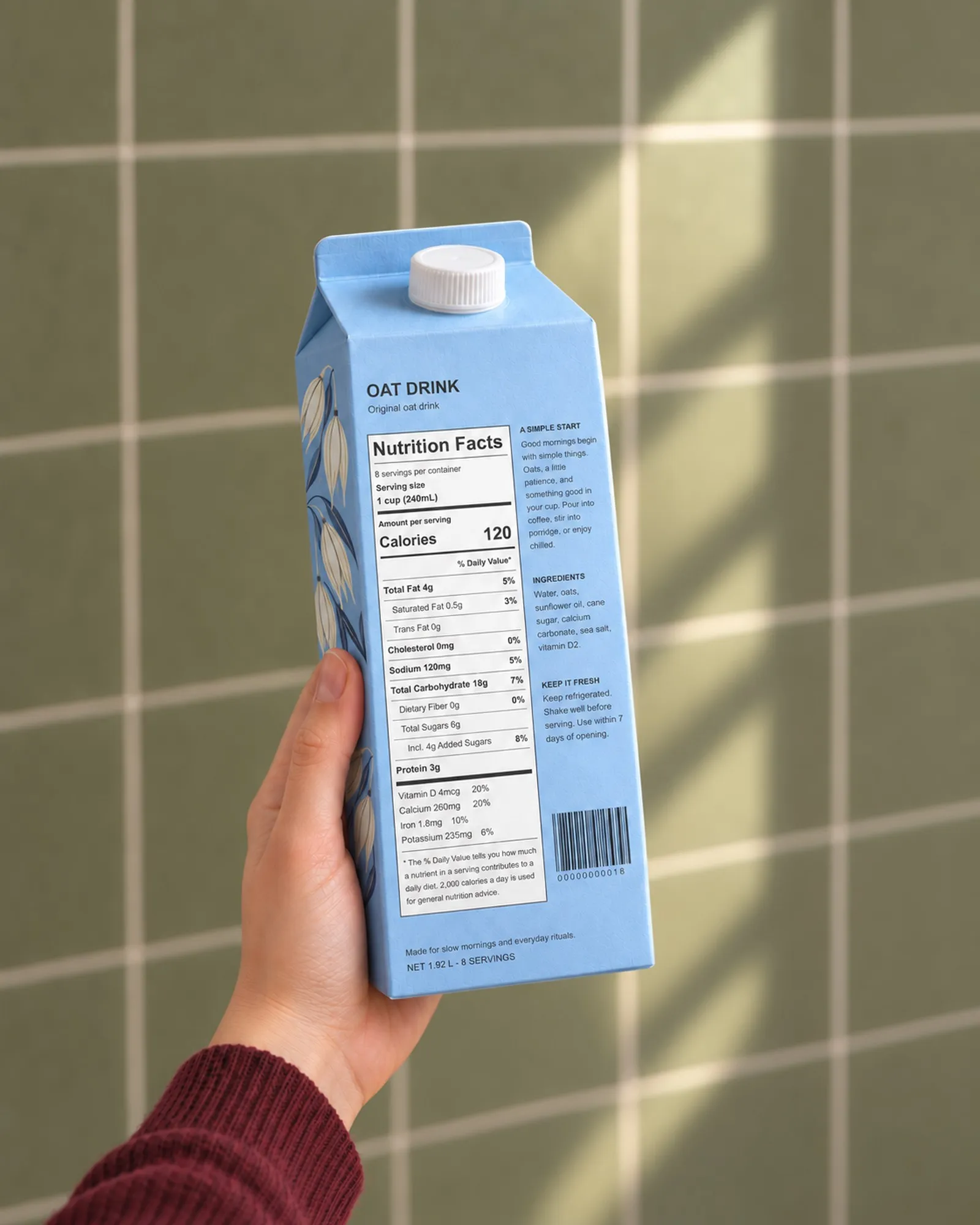
Scan the barcode when there is one. It is the most accurate way to log, because it uses the product’s own numbers. No barcode? Snap the nutrition label. Use a photo for meals.
A photo gives an estimate, not a measurement, and any amount judged by eye is flagged Check. What matters most is logging consistently. Your weekly check-in measures what you burn from what you log, so if photos run a little high or low, your targets still come out right. If something can’t be seen, like butter or oil, add it in words with Fix.
Meals, single foods and drinks, nutrition labels, barcodes, and the front of a package. A plate is split into the foods on it.
Fit Shapes says no recognizable food was found, and nothing is logged.
Tap the meal, tap Fix, and say what is wrong. Or turn on Advanced logging in Account, under Preferences, to adjust each food as it logs.
Fit Shapes sends it for analysis and does not keep it. The app never saves scans to your Photos library. It keeps its own copy on your iPhone for 30 days, then deletes it.
Yes. In the camera, tap Photos and choose the photo.
Fit Shapes is a premium calorie and macro tracking app. You’re one tap away from getting in your best shape.
Paying members get a numbered member card.