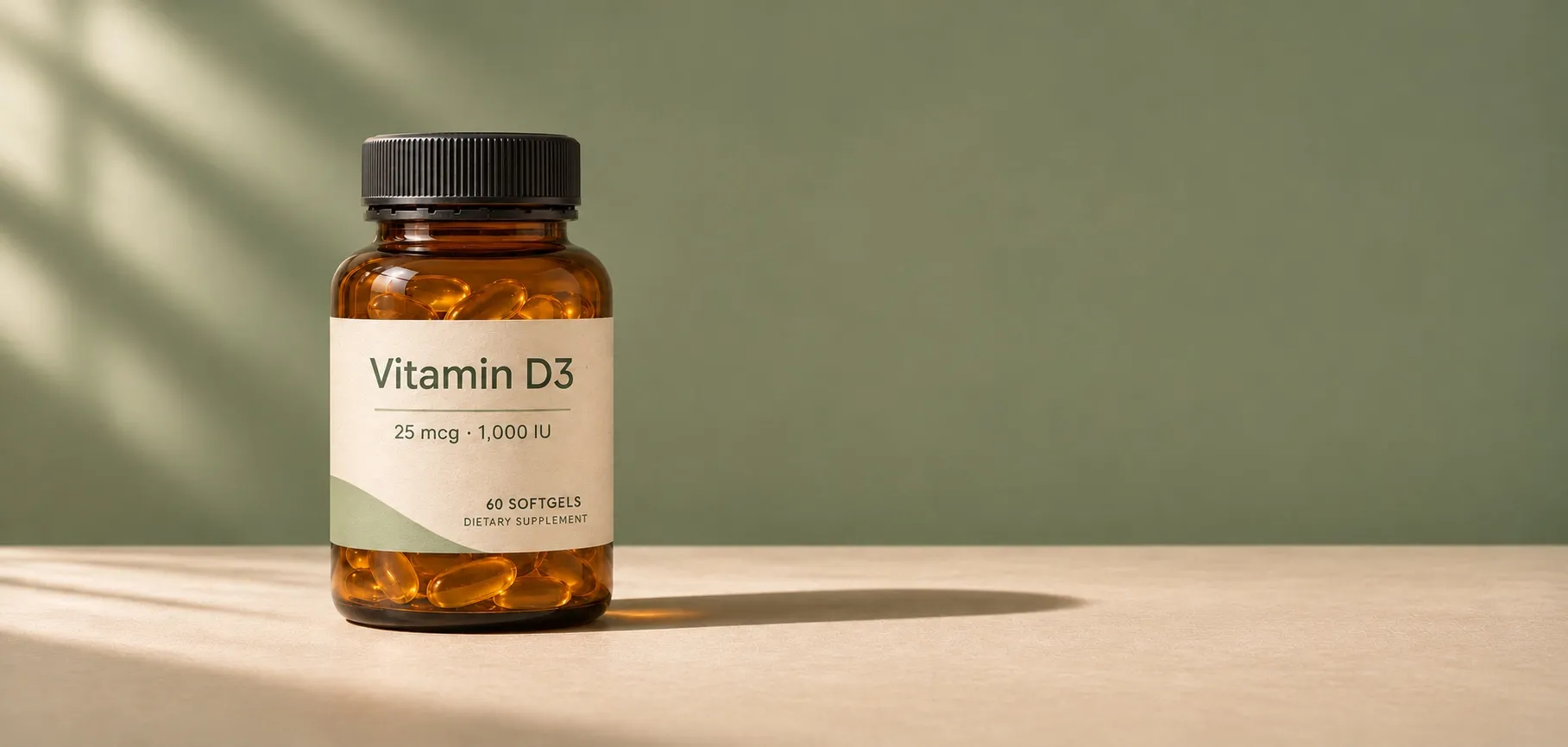
You can now log supplements and vitamins alongside your food in Fit Shapes. Scan a bottle’s barcode, review its label nutrients, and log the amount you took.
Supplement data from the NIH
Fit Shapes uses supplement data from the National Institutes of Health’s Dietary Supplement Label Database. The database collects information printed on the labels of supplements sold in the US, including their ingredients and amounts.
How to track supplements and vitamins
- On Today, tap Scan food and scan your supplement’s barcode.
- Review the supplement’s name and label nutrients.
- Choose how many servings you took, then log it.
For more on using the camera, see how to scan food and barcodes. Once logged, you can view your nutrition details to see tracked vitamins and minerals alongside the nutrients from your food.
Can’t find your supplement? Add its label
If we don’t recognize the barcode, Fit Shapes asks for two photos.
- The Supplement Facts label, with the numbers.
- The front of the bottle, with the brand and product name.
Fit Shapes reads both photos. Check the name and the nutrients against your bottle, fix anything that’s wrong, and log it.
Fit Shapes saves the label to your foods. The next time you scan that barcode, it opens your saved label, so you won’t need to take the photos again.
Have questions or feedback? Reach out at support@fitshapes.com.